Keyless Entry Options: Who Gets What
A smart lock can open with a code, a fob, a phone, or a key. Most owners pick one and hand it to everyone. Then the cleaner shares the code, the fob goes missing, or a frozen phone leaves someone standing on the porch in January.
The better approach is to match each keyless entry option to the person using it. Here is how the keyless entry options compare, who should get which, and what holds up in a Georgian Bay winter. It applies to homes in Collingwood and to cottages you only get to visit a few times a month.
The keyless entry options, side by side
There are four common ways in. Each has a strength and a weak spot.
- Keypad code: nothing to carry, and easy to give out. The risk is that codes get passed along.
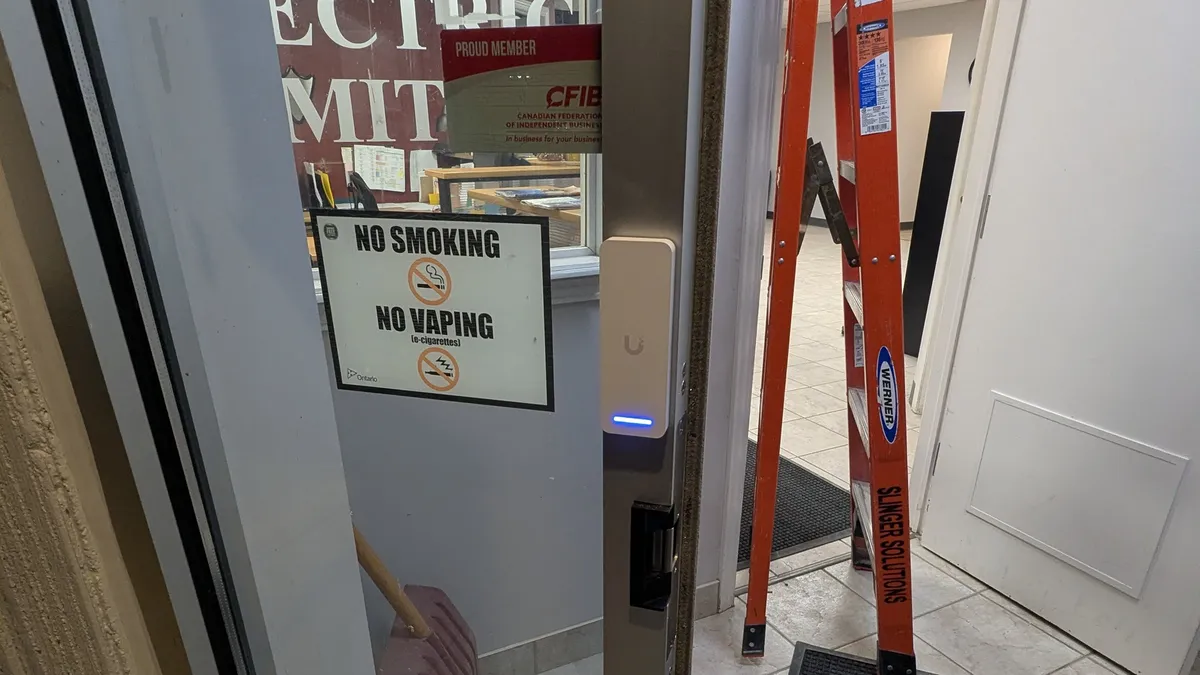
- Fob or card: tap to enter. Each one can be named and switched off, but it can be lost.
- Phone: unlocks by app or as you walk up. It depends on the phone having charge and signal.
- Mechanical key: always works, but it leaves no record and can be copied.
No single option suits everyone. Most homes use two or three.
Who should get which
Think about each person, how often they come, and how long they need access. Then match them to one of the keyless entry options above.
Family members do best with a phone plus a personal code as backup. The phone handles everyday entry and remote locking. The code covers a dead battery.
Cleaners and property checkers do best with a scheduled code. Our guide to smart lock codes for cleaners and trades covers schedules, entry logs and when to delete them.
Trades on a short job get a temporary code that expires on its own. Someone who comes every week for years, like a caretaker, may suit a fob. It cannot be passed on by word of mouth, and you can switch it off the day they leave.
Fobs and cards: the one you can switch off
A fob ties entry to an object, not to something people can repeat. That is its main advantage. If a fob is lost, you cancel that one fob, and nobody else's access changes.
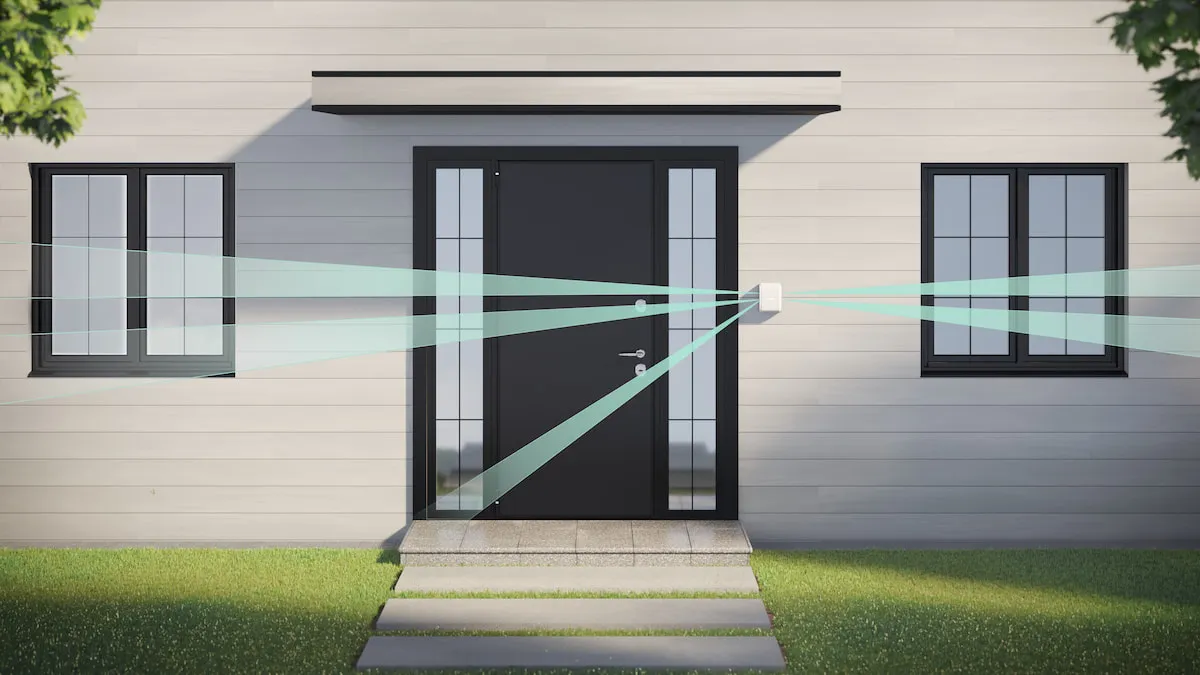
Fobs also work at the alarm. Ajax's KeyPad Plus reads contactless cards and key fobs, logs each use, and lets an admin revoke access in real time. With access control tied into the alarm, unlocking the door can disarm the system for authorised users.
The weak spot is loss. Keep a short list of who holds each fob, and cancel any that go missing the same day.
Phones: convenient until the battery quits
Phone entry is the most convenient option when it works. It is also the one most affected by cold.
Apple rates iPhones for use between 0°C and 35°C. Below that, a phone may lose charge fast or stop working properly until it warms up. On a February night after a long drive, that can be the moment you need it most.
Phone entry also depends on a connection. A lock that talks to the phone over Bluetooth needs you close to the door. Remote locking needs Wi-Fi or a hub at the property. That is why phone entry should always have a code as backup.
Keypads: check them in winter
A keypad has no battery in your pocket to worry about, which makes it a strong backup at a cottage. Two things matter here.
Check that the keypad is easy to use with winter gloves on, and that it is lit for dark evenings. Keep snow and ice off it, and choose a model rated for outdoor use if it faces the weather.
Codes are also the easiest credential to share. Give each person their own, so the log shows who came in.
Gates and outbuildings
Entry is not just the front door. A gate keypad or intercom at the gate lets the plough operator or a delivery in without a trip to the property. A fob or code at a boathouse or garage follows the same rules: one per person, logged, and removed when no longer needed.
Questions we get
Which keyless entry option is the most secure?
A fob or a personal code that is never shared. Each can be logged and removed on its own. A code shared between several people is the weakest option, because you cannot tell who used it.
Should a cleaner get a fob or a code?
A code on a schedule. It only works on the days and hours you set, and you never have to collect anything back.
What if my phone dies at the door?
Use your personal code or the mechanical key. Never rely on a phone as the only way in, especially in winter.
Can unlocking the door disarm the alarm?
Yes, when the lock and alarm are integrated. With Ajax, unlocking can disarm the alarm automatically for authorised users.
Can I let a trade in without being there?
Yes. Give them a temporary code that starts and ends on set dates. It expires on its own, so there is nothing to collect.
Do you install keyless entry in Wasaga Beach and Clarksburg?
Yes. We install locks and access control across Collingwood, The Blue Mountains, Thornbury, Meaford, Wasaga Beach, Creemore, Craigleith, and Clarksburg.
Match the key to the person
Keyless entry options work best when each person gets the one that fits how they use the property. Family gets a phone with a code as backup. Cleaners and trades get scheduled codes. Long-term helpers may get a fob you can cancel. Plan for cold and dead batteries, and nobody gets left on the porch.
Call 249-444-7793 to book a free design consultation. We will match the entry method to each person who uses your property.