Signs Your Home Network Needs Professional Troubleshooting
Some problems are obvious. The Wi-Fi drops every night around 8pm when everyone's streaming. Other problems are quieter, they just cost you convenience until one day the whole system stops working.
Here's what we hear on the phone most often, before someone books Home Network Troubleshooting & Repair with us:
- Video calls freeze or drop mid-meeting, even though the internet plan is fast enough on paper
- Smart lighting or shades respond late, or not at all, especially from the far end of the house
- One room gets great signal and the next room over gets almost nothing
- Security cameras go offline randomly, or footage has gaps you can't explain
- The network worked fine last season and now, after a router reset or an ISP swap, nothing talks to anything
Older stone and stucco homes around Collingwood and Thornbury are notorious for this last one. Thick exterior walls block wireless signal in ways a single router can't push through, no matter how new it is.
Cottage properties around Wasaga Beach and Georgian Bay have their own version of the problem. A network that sat unused all winter often comes back confused. Modems drift out of sync, access points lose their settings, smart devices forget the network entirely. You open the place up for the first long weekend and half your gear won't connect.
Often it's not one big failure. It's three small things stacked on top of each other: weak coverage, an outdated router, a device fighting for bandwidth it was never allocated. That combination is why guesswork troubleshooting rarely sticks. If you're rebooting the router every few days just to get by, that's not a fix. That's a symptom.
If your issue turns out to be configuration rather than hardware, a step-by-step guide to securing a home network covers the settings worth checking first.
When a Simple Restart Fixes It (And When It Won't)
Let's be honest first. A lot of network problems really do clear up with a restart. Power cycle the modem, wait thirty seconds, power cycle the router, give it a minute. If your issue is a slow connection that came on suddenly, or one device that won't load anything, try that before you call anyone.
So when does a restart stop working? Usually when the problem keeps coming back. If your Wi-Fi drops every evening around the same time, or one bedroom has never had a solid signal since the day you moved in, that's not a glitch. That's a design problem. A restart resets the symptom. It doesn't touch the cause.
We see this a lot in older cottages around Georgian Bay where the router sits wherever the cable company left it years ago, usually a basement or utility closet, with stone or block walls between it and the rooms people use. No reboot fixes a signal that has to punch through foundation walls. If you're restarting the same equipment twice a week, that's a sign the hardware or the layout is the real issue, not your habits.
Here's a simple gut check. If a restart fixes it and the problem doesn't return for weeks, you're fine, no call needed. If you're rebooting on a schedule just to keep the internet working, or certain rooms and outbuildings never connect no matter what you do, that points to wiring, placement, or equipment that's past its job. That's a different conversation, and it's worth having before frustration turns into a full replacement you didn't need.
What a Network Diagnostic Visit Costs and Involves
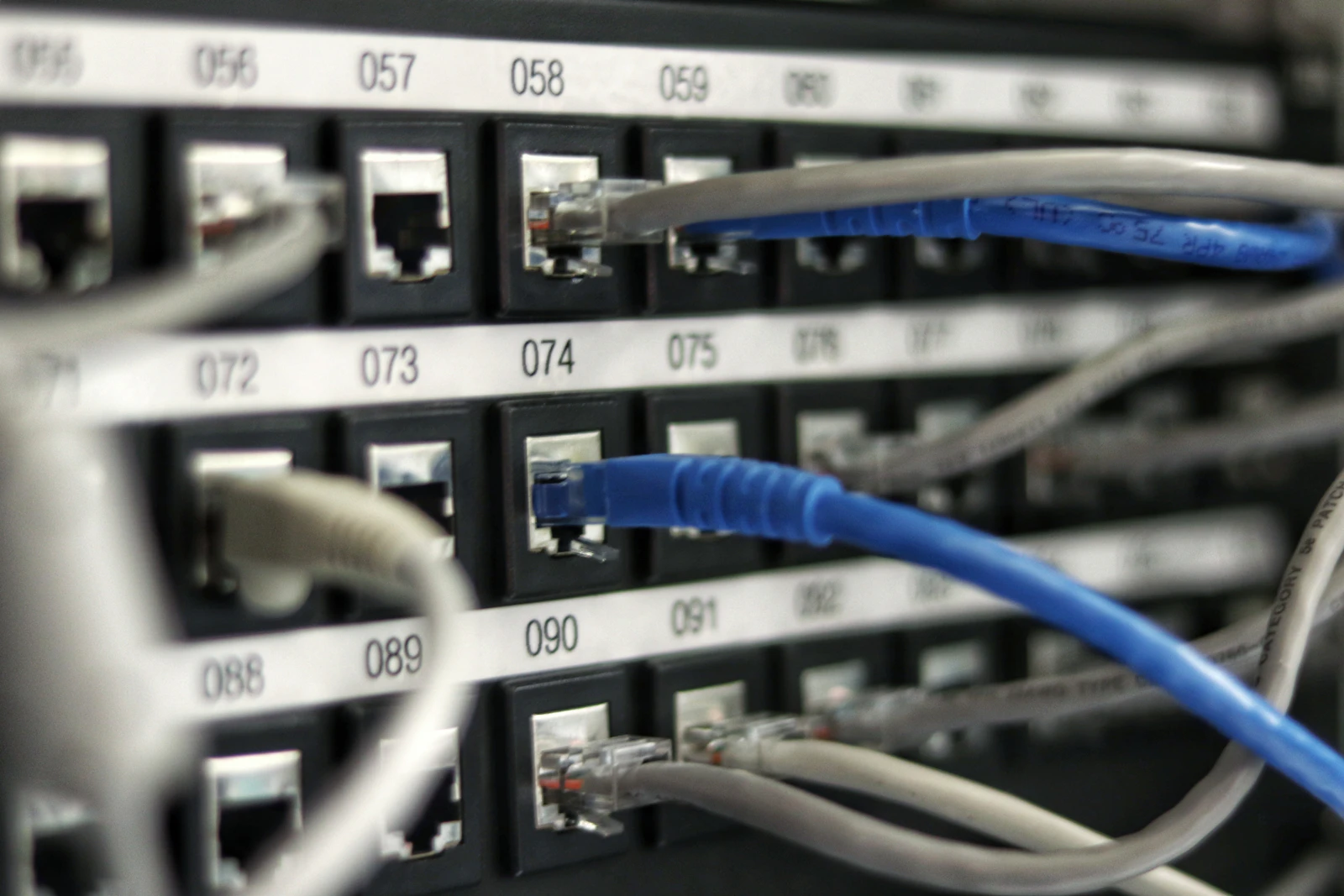
Here's the honest answer. Most network trouble calls in this trade get priced one of two ways: a flat diagnostic fee for the visit, or an hourly rate once the tech is on site. Some companies roll the diagnostic cost into the repair if you move forward with the fix. Others charge it no matter what, because the tech's time and the drive out to Thornbury or Meaford costs money either way. Ask which model a company uses before you book. That one question tells you a lot.
What drives the cost up or down isn't a mystery. A single dead access point in a condo is a short visit. A cottage with three buildings, a detached bunkie, and a network that was never documented takes longer. There's more to trace and more guessing without a map. Older homes with wiring run through finished walls cost more to diagnose than a place with an accessible attic or basement run.
So what should a real diagnostic visit include? At minimum, a tech should test speeds at the modem, at the router, and at the point where you're losing signal. They should check for firmware issues, channel interference, and physical damage to cabling. A written summary of what's wrong and what it'll take to fix it — that's the baseline you should expect, not an upsell.
We build our network work the same way we build everything else, with a documented plan before anything gets touched. That habit comes from doing engineered low-voltage design for years. It's a smaller thing on a network call, but it still means you get a clear picture instead of a guess.
Rural, Cottage, and Stone-Home Network Repair Challenges
Georgian Bay is not a suburb with drywall and open floor plans. A lot of what we work on is stone, timber frame, or poured concrete, and that changes how Wi-Fi behaves. Thick stone walls in older Thornbury and Meaford homes block a signal in a way bad router placement never could. One router in a hallway closet can't push a usable signal through two feet of fieldstone.
Cottage properties bring a different problem entirely. Seasonal use means routers sit untouched for months, firmware goes stale, and modems lock up while nobody's around to reboot them. Then the long weekend hits, six people show up, and the network falls over under load it was never set up to handle. We see this every week between May and Thanksgiving.
Distance from the road matters too. Properties tucked back off County Road 19 or set well back from Wasaga Beach's shoreline lots often sit past the practical reach of standard cable service. Satellite internet becomes the only option, and that changes how we diagnose problems. A satellite dish alignment issue looks a lot like a router failure until you test it properly.
So what fixes this?
- Mesh access points placed to work around stone and timber, not just plugged in wherever's convenient
- Structured wiring run during renovation so signal doesn't have to fight the walls at all
- Remote access set up so we can check a cottage network before you've even arrived for the weekend
We're Ubiquiti/UniFi certified, which matters here because commercial-grade gear handles seasonal on-off cycles and thick construction better than a big-box router. That's the difference between a network that limps along and one you don't think about.
Testing and Preventing Future Network Problems
Fixing the problem in front of us is only half the job. We test under load before we call anything done: streaming on three devices, a video call running, someone's kid gaming upstairs, all at once. If the network holds up under real household use, we know the fix will hold too. A quick speed test on one laptop tells you almost nothing.
Here's what we check before we leave: signal strength in every room you use, not just the ones near the router. We look at channel congestion, especially in Collingwood's older neighborhoods where dozens of homes are packed close together and every router is fighting for the same 2.4GHz channel. We check firmware versions, because outdated firmware causes more random dropouts than people realize. And we verify your equipment isn't overheating in a closed cabinet, which happens a lot in cottage builds around Georgian Bay where gear gets tucked into tight, unventilated spaces.
Prevention matters more up here than in a typical subdivision. Seasonal properties around Wasaga Beach and Thornbury sit empty for weeks, then get powered back up for a weekend. That on-off cycle is hard on networking gear and it's often what causes the "it worked fine last time" call. We set things up so your system can be checked and adjusted without someone driving out to the property every time.
As a UniFi Certified team, we build networks that are manageable after we leave, not just working on day one. With 24/7 remote monitoring on the systems we support, most issues get caught and fixed before you notice a slowdown. That's the real difference between a patch and a permanent fix — one holds up through a Georgian Bay winter, the other has us back at your door in a month.
If your network can't keep up with how you use your home, we can help. Book a free consultation and site visit with Summit Logic at 249-444-7793.
Frequently Asked Questions
Do you travel out to cottages around Georgian Bay and Wasaga Beach?
Yes, we work on properties throughout Collingwood, Thornbury, Meaford, and cottage areas near Georgian Bay and Wasaga Beach. Rural and seasonal properties often need extra care because routers sit unused for months at a time. We plan the visit around your property type, whether that's a condo, a stone farmhouse, or a cottage with a detached bunkie. Distance from the road can also affect what internet options you have, so we factor that into the visit too.
What should I expect when a tech shows up for a network diagnostic?
A real diagnostic visit starts with testing speeds at the modem, at the router, and at the spot where your signal drops. The tech checks firmware, looks for channel interference, and inspects cabling for physical damage. You should walk away with a written summary of what's wrong and what it takes to fix it. That's the baseline, not an add-on you have to ask for.
Why does my cottage network fall apart every spring?
Seasonal properties around Wasaga Beach and Georgian Bay often sit untouched all winter, and that causes real problems. Firmware goes stale, modems drift out of sync, and smart devices forget the network entirely. Then a long weekend arrives with six people and a dozen devices, and the system can't keep up. We see this pattern every year between May and Thanksgiving, and it's rarely one big failure, just several small things stacking up at once.
Will just restarting my router fix a dead zone?
Sometimes, but not if the problem keeps coming back. A restart clears a slow connection or one stuck device just fine. But if a bedroom has never had solid signal since move-in, or Wi-Fi drops every evening at the same time, that's a layout or hardware problem. Rebooting the same equipment twice a week is a clear sign the real issue is placement or aging gear, not something a restart will ever fix for good.
Why is Wi-Fi so much worse in older stone homes around Collingwood and Thornbury?
Thick stone and stucco exterior walls block wireless signal in a way that new equipment can't push through on its own. A single router in a hallway closet or basement often can't reach rooms on the far side of two feet of fieldstone. This is a design problem, not a broken router. Homes like this usually need more than one access point placed to work around the walls, not just a stronger router in the same spot.
Why do my security cameras keep going offline for no reason?
Cameras dropping offline, or footage with unexplained gaps, usually points to weak coverage in that part of the house rather than a broken camera. It's often one part of a bigger pattern: an outdated router, a dead zone, and a device competing for bandwidth it was never given. Fixing just the camera rarely solves it. Looking at the whole network setup is what stops the dropouts for good.