Is Home Theatre Calibration Worth It?
You bought a good projector or TV and a proper surround system. The picture looks fine. The sound is loud. Then the installer suggests calibration, and the obvious question is whether it changes anything you'd notice.
The short answer is that it depends on what you have and where it sits. Here is what home theatre calibration adjusts, where it matters most, and where it adds little. We'd rather you skip it for the right reason than buy it for the wrong one.
What a display calibration adjusts
Out of the box, most displays are set to look bright on a shop floor. Calibration resets them to the standard the film was made to. Using a meter and test patterns, the calibrator measures and adjusts:
- Greyscale: so white is white, and greys don't lean blue or red.
- Gamma: how the picture moves from black to white, which sets shadow detail.
- Colour: so skin tones, grass, and sky match what the director saw.
- Light output: a peak brightness that suits the room's light.
The skill has its own certification training. It is built around measured greyscale, colour, and light output, not a picture menu set by eye. Our audio video calibration page lists what the service covers.
What an audio calibration adjusts
Audio calibration is about the room more than the speakers. A microphone at each seat captures how the room changes the sound. The system then corrects for it:
- Speaker distance and level: so sound from every speaker reaches the seats at the same time and the same volume.
- Bass: subwoofer placement, phase, and crossover, so bass is even across seats instead of booming in one chair.
- Room response: dips and peaks the room creates, which is where muddy dialogue comes from.
The setup mic that ships with a receiver does a rough version of this. A full calibration uses a reference microphone, more seats, and manual checks of what the auto-setup missed.
Where calibration makes the biggest difference
Some situations change a lot:
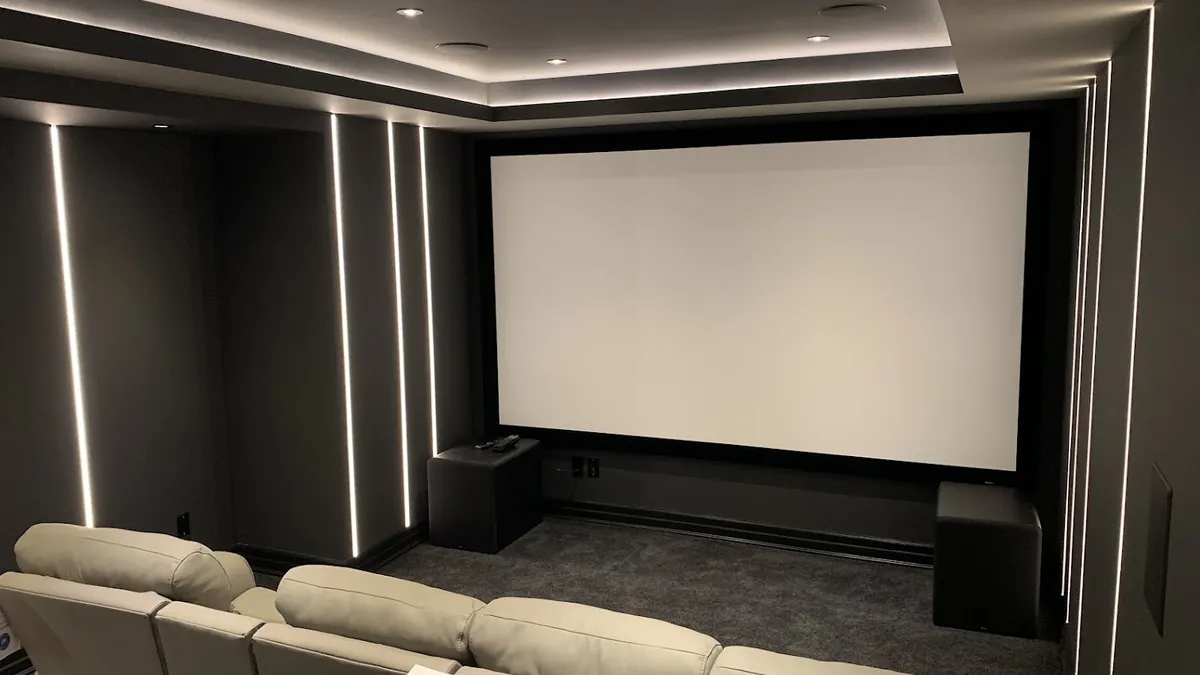
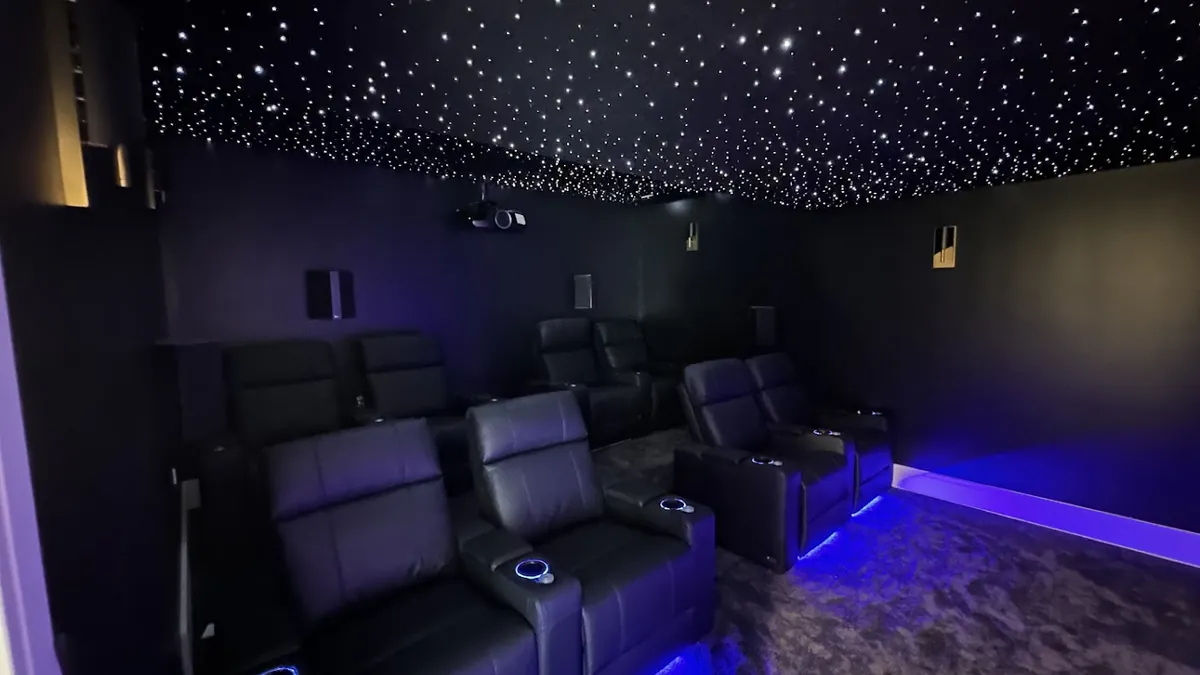
- Projectors: colour and light output vary more from unit to unit, and a dark room shows every error.
- Rooms with hard surfaces: glass, stone, and wood floors make the sound rough. That is what audio calibration corrects.
- Odd ceilings: the two sides of a vaulted room measure differently, and calibration lines them up. Our post on Atmos under a vaulted ceiling covers why.
- Systems that never sounded right: dialogue you strain to hear, bass that's either absent or boomy, a picture that looks too red.
Owners who have had a display calibrated most often notice skin tones and dark, shadowy scenes first. That matches what the adjustments target.
Where it adds little
Calibration isn't magic. There are cases where you'd pay for a small change:
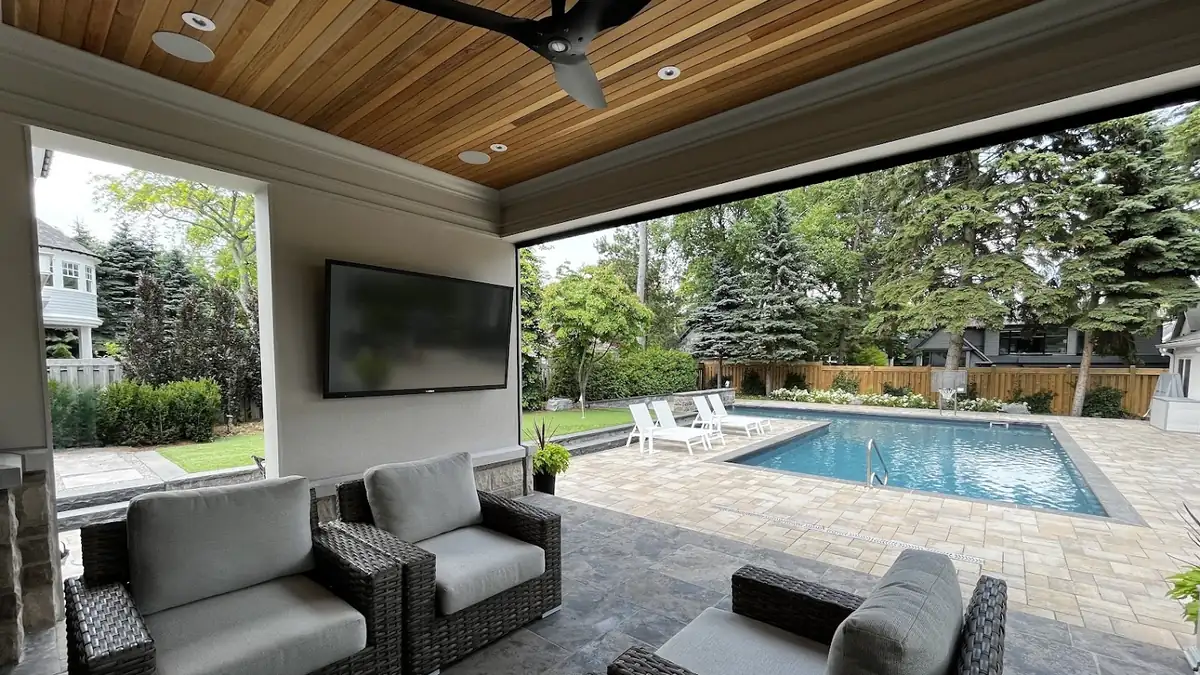
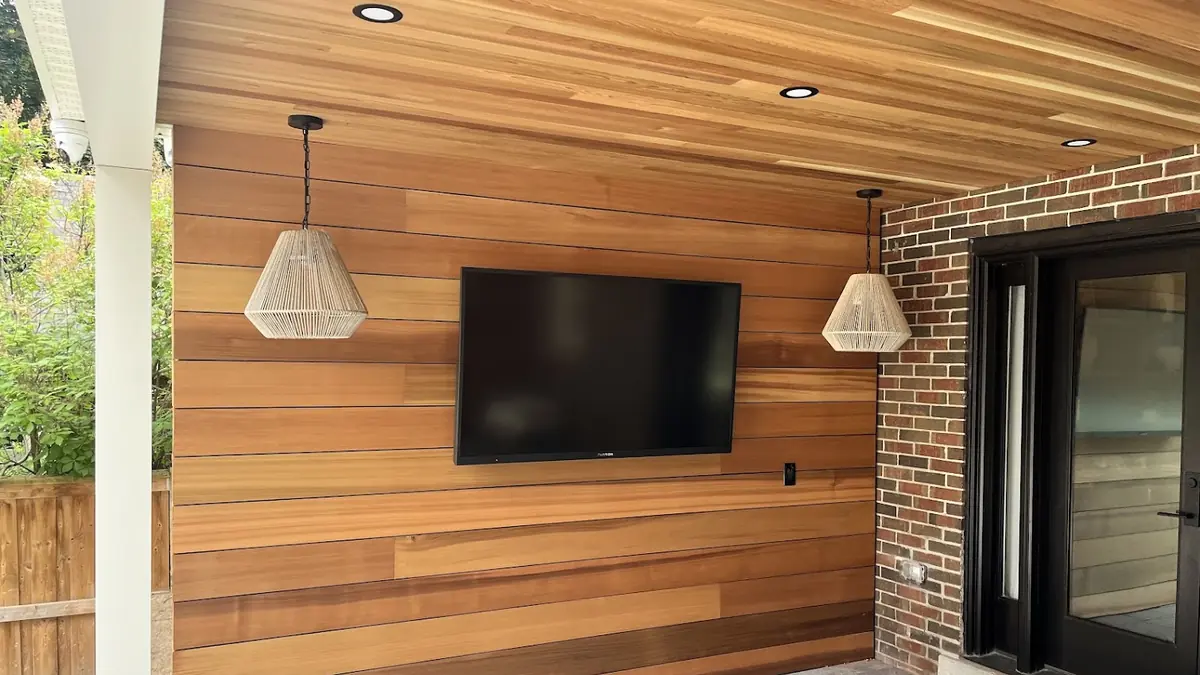
- A TV in a bright room used mostly for sport and daytime viewing. The accurate preset is close enough, and room light hides fine differences.
- A soundbar. There is little to adjust.
- A display with few picture controls. Some budget sets can't be adjusted far.
- A room that's about to change. New furniture, a renovation, or new speakers all shift the result. Calibrate after, not before.
If you're in one of those situations, we'll say so. The calibration page and the projector and screen page both explain what gets measured. We'd rather set the right expectation first.
Does it make the picture darker?
This is the most common worry, and there's some truth in it. Shop-floor settings push brightness and colour past what the film intended. A calibrated picture is calmer. Most people adjust within a day and then find the old setting garish. If the room is bright, light output is set for that room, not for a dark cinema. A daytime TV doesn't end up dim.
Does it last?
Settings drift as displays age and rooms change. Our Dolby Atmos and surround sound work treats calibration as the last step of every install. A recheck every few years, or after a major change, keeps the system where it was set.
Questions we get
Is home theatre calibration worth it?
For a projector, a dedicated theatre, or a surround system in a room with hard surfaces, yes. The change in skin tones, shadow detail, dialogue, and bass is clear. For a TV in a bright room used by day, the gain is small.
What does a calibrator actually adjust?
On the display: greyscale, gamma, colour, and light output, measured with a meter. On the audio side: speaker levels, distances, subwoofer settings, and room correction, measured with a mic at each seat.
Will I see the difference?
On a projector or in a dark room, almost always. On a bright-room TV, sometimes. Before-and-after measurements show what changed even when the eye adapts quickly.
Is a new TV already calibrated?
No. Most ship in a bright default mode. Some have a fairly accurate preset, which is a good start. It isn't measured against your room or your unit.
Can I calibrate the audio myself with the receiver's microphone?
You can run the auto-setup, and it's better than nothing. A full calibration uses a reference mic, measures more seats, and fixes what the auto-setup misses, such as bass that's uneven across the room.
Do you calibrate systems in Creemore and Wasaga Beach?
Yes. We calibrate displays and surround systems across Collingwood, The Blue Mountains, Thornbury, Meaford, Wasaga Beach, Creemore, Craigleith, and Clarksburg, including systems we didn't install.
Calibrate the right rooms
Home theatre calibration is worth it where the room and the gear can show the difference. That means projectors, dark rooms, hard-surfaced great rooms, and systems that have never sounded right. It's a small gain on a bright-room TV. Decide by the room, and you'll spend the money where you'll see and hear it.
Call 249-444-7793 to book a free design consultation. We'll tell you which category your room is in before anything gets booked.