An enterprise client at their Collingwood facility — near the Cranberry employment corridor — needed a full modernisation of outdated conferencing rooms. They wanted consistent, reliable, and scalable meeting technology in every room across the campus. Summit Logic deployed 72 standardised conferencing systems built around Samsung business-class displays, Yealink ceiling microphones and speakers, and Polycom Teams-certified hardware. The result is a repeatable Microsoft Teams conferencing workflow across the whole organisation.
Client Goals
- Replace outdated conferencing systems
- Standardize room experience across all locations
- Improve audio clarity and overall meeting quality
- Simplify scheduling and Teams integration
- Minimize disruption to employees working onsite
- Deploy a scalable and long-term conferencing solution
Our Solution
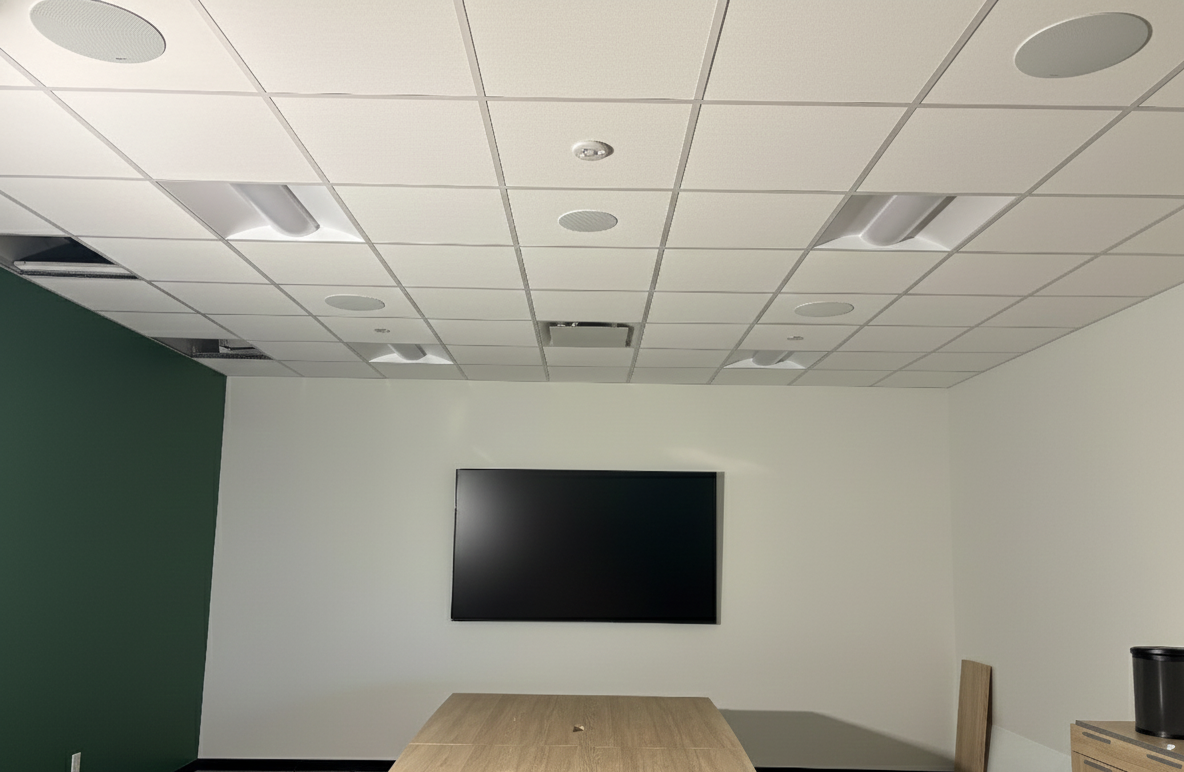
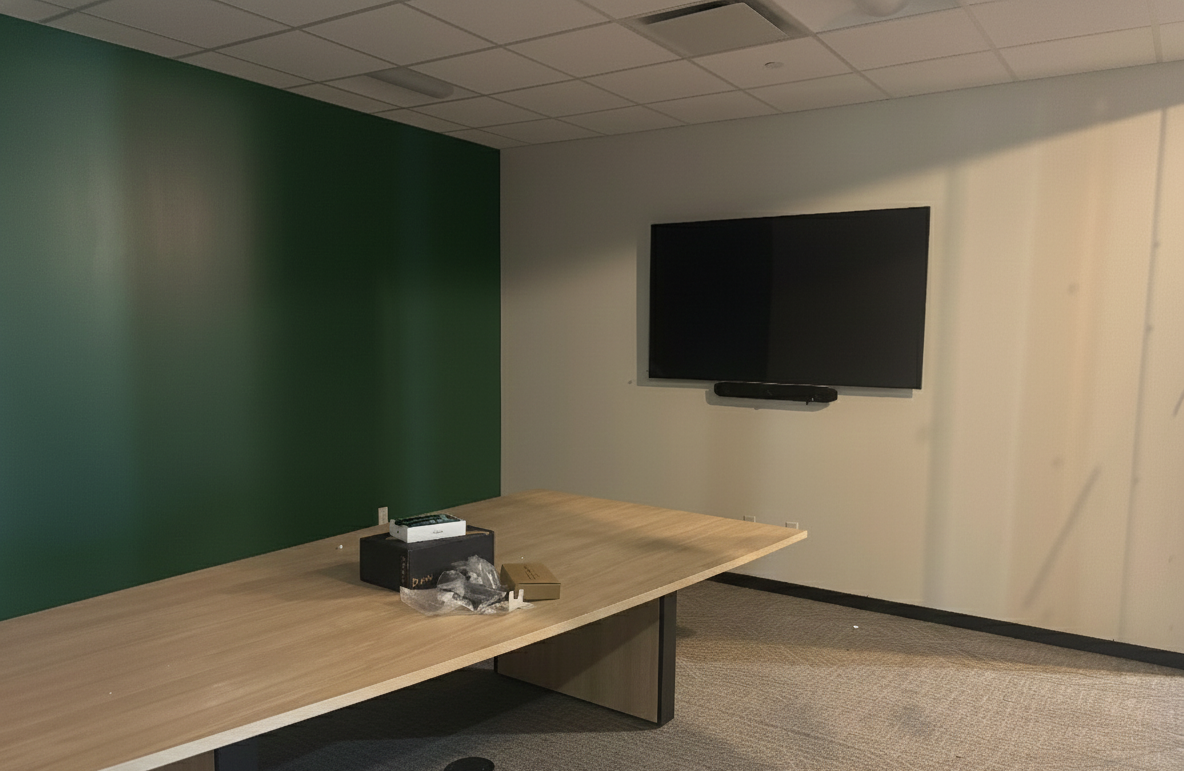
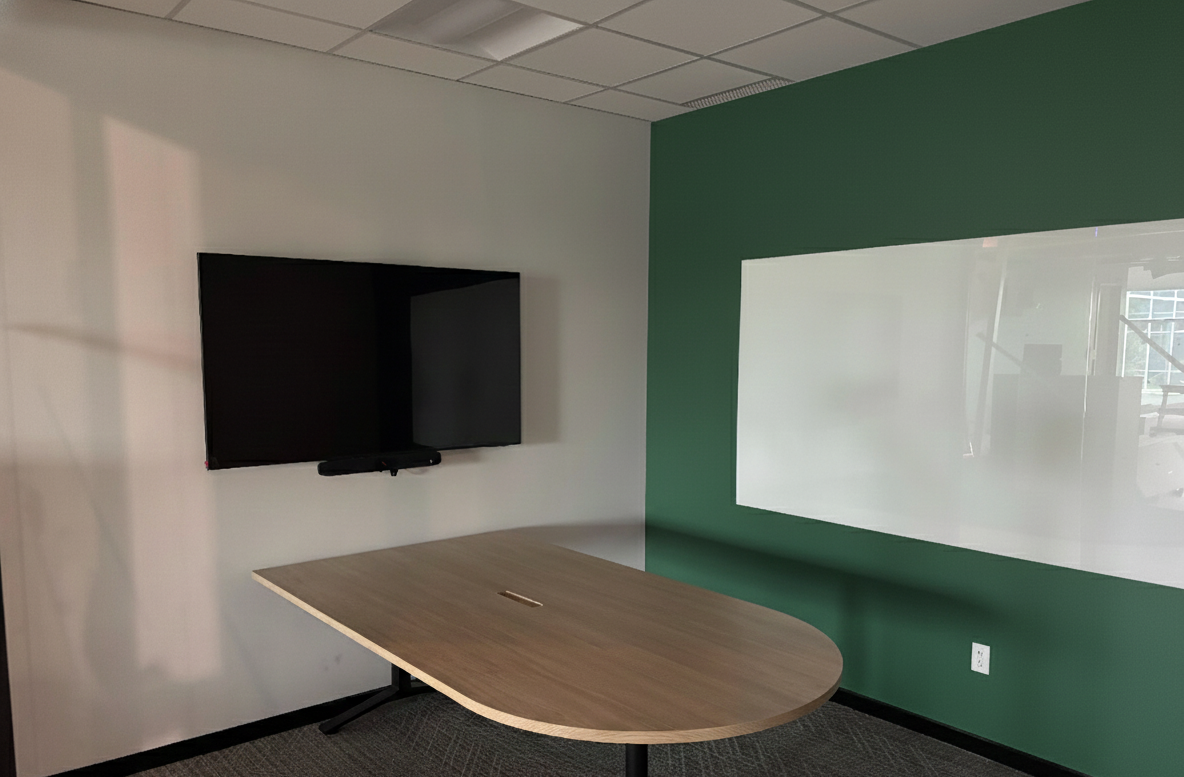
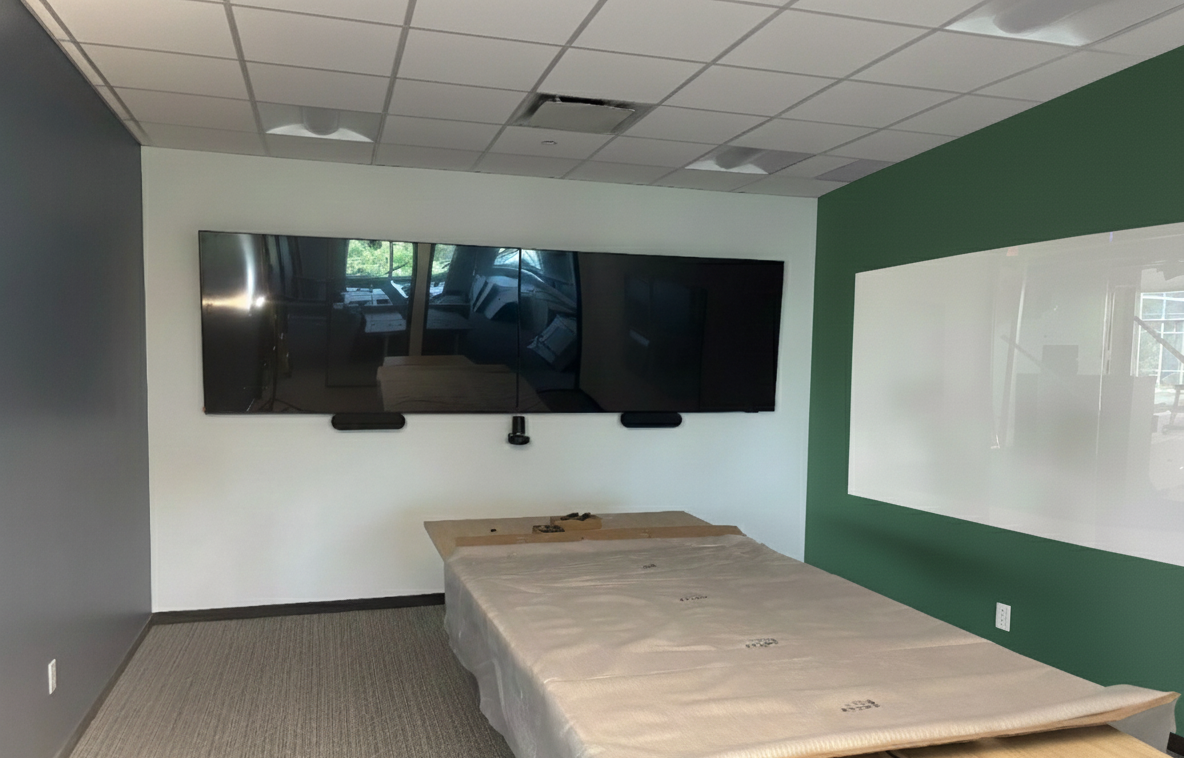
We implemented a unified conferencing ecosystem built around Teams-native hardware. Samsung commercial displays provide reliable visuals, while Yealink ceiling-mounted microphones and speakers ensure clear audio throughout each space. Polycom Teams-certified hardware ties everything together for consistent and intuitive meeting operation.
With 72 rooms included in the upgrade, organization and efficiency were critical. Our team worked quietly and cleanly to avoid disruptions, delivering identical interfaces and experiences in every room.
Scope of Work
- Removal of outdated conferencing equipment
- Installation of 72 Samsung business-class displays
- Deployment of Yealink ceiling microphones and speakers
- Installation of Polycom Teams-enabled hardware
- Standardized Teams Room setup across all meeting rooms
- Professional cable management and rack integration
- Coordination with client IT for scheduling and directory sync
- Work completed while employees remained onsite
Technology Used
Displays
- Samsung commercial displays
Audio
- Yealink ceiling microphones
- Yealink ceiling speakers
Video & Conferencing
- Polycom Teams-certified conferencing solutions
Platform Integration
- Microsoft Teams Room Systems
- Calendar-based room scheduling
Installation Features
- Clean wiring and organized AV racks
- Quiet installation to avoid staff disruption
- Repeatable programming across 72 rooms
Photo Gallery
What Makes This Project Unique
- Deployment included 72 rooms across the facility
- Identical user experience across all spaces
- Tight project coordination in an active office environment
- Complete modernization of conferencing workflows
- Microsoft Teams Room infrastructure built to scale
Client Testimonial
The client was thrilled with the standardized setup and ease of use across every meeting room. Scheduling, launching meetings, and collaborating became effortless, and employees immediately noticed the improvement in audio and video quality. They praised Summit Logic for delivering on schedule without disruption.
Related Services
Frequently Asked Questions
How do you standardise 72 Microsoft Teams Rooms across one Collingwood facility?
We pre-built each room from a single hardware specification — Samsung commercial display, Yealink ceiling mics and speakers, and a Polycom Teams-certified compute unit. Programming, signage, and naming conventions were templated, then duplicated room by room. The result is identical behaviour whether a meeting starts in a small huddle space or a 20-seat boardroom. For a Collingwood enterprise spread across multiple buildings near the employment corridor, that consistency is what reduces help-desk tickets to near zero.
Can the install run while staff stay onsite?
Yes. We sequenced the 72-room deployment one floor at a time, working evenings and weekends where displays were already live. Cable routing was planned to avoid open ceiling work in occupied areas. Old hardware was removed and recycled in batches. Staff in the Collingwood office continued to use other meeting rooms while their floor was rebuilt. Most rooms were back in service by the next business morning.
Why use Yealink ceiling microphones instead of table mics?
Ceiling microphones keep the table clear, eliminate cable clutter, and capture full-room audio regardless of how the furniture is arranged. Yealink ceiling arrays use beamforming to track active speakers, so remote participants hear consistent levels around the table. For an enterprise Collingwood deployment, that meant we could finalise mic placement during the AV install without waiting on the furniture vendor. Maintenance is also simpler — no cables to replace under repeated use.
Does the system integrate with the corporate Microsoft 365 directory?
Yes. Each Teams Room is joined to the corporate Microsoft 365 tenant. Calendar invites that include the room as a resource auto-populate the room console. Meetings start with one tap. Directory, scheduling, and security policies are managed centrally by the client's IT team rather than per room. Summit Logic coordinated the rollout with corporate IT so that user provisioning, room mailboxes, and security policies were ready before commissioning began.
What happens when Microsoft updates Teams Rooms?
Polycom Teams-certified hardware receives Microsoft updates through the standard Teams Rooms management channel. The client's IT team sees a single dashboard for all 72 rooms across the Collingwood facility. Summit Logic stays involved through a service agreement that covers room-level firmware, audio tuning drift, and physical hardware replacement. We also revisit room behaviour annually as Microsoft releases new conferencing features. The platform stays current without re-deploying hardware.
Upgrade Your Corporate Conferencing Experience
Deliver consistent, enterprise-grade meeting performance across every room.
Book a Consultation